

One Upload. Five Assets.
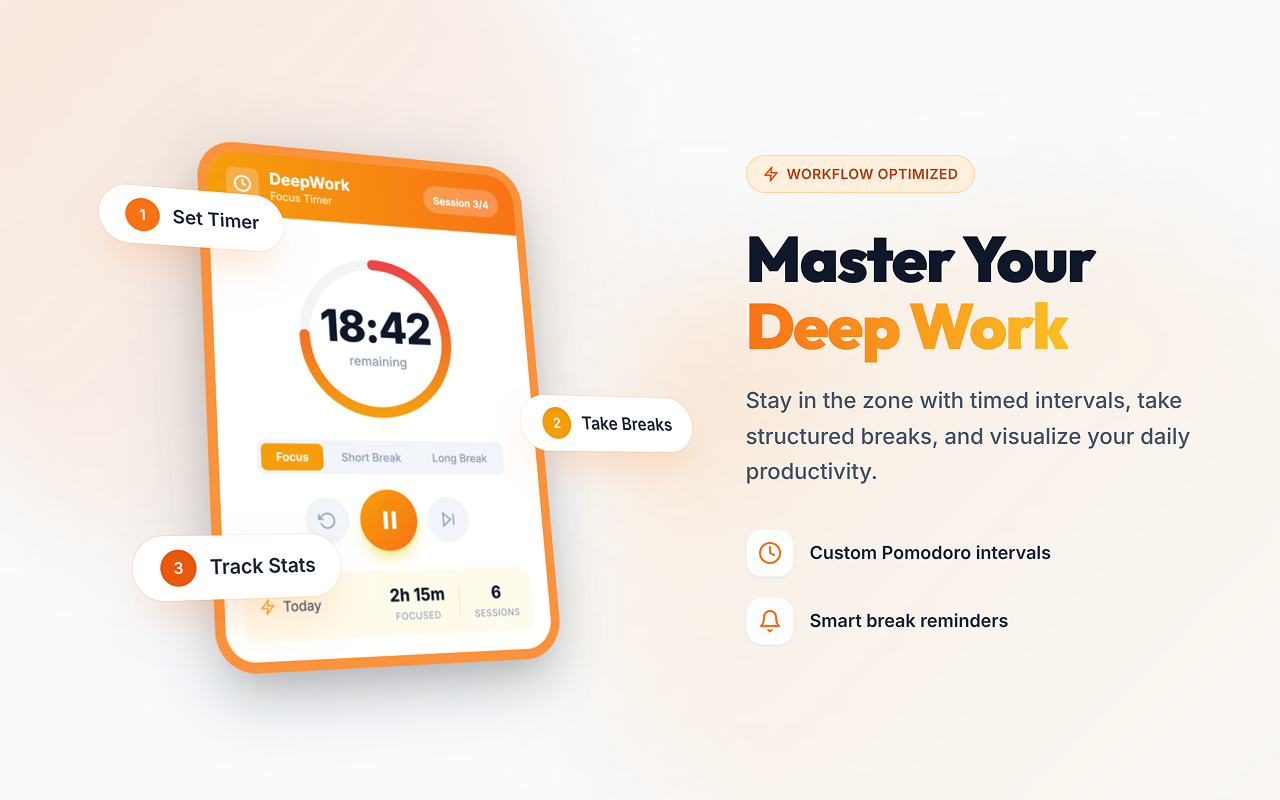
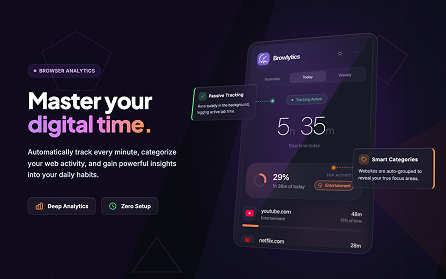
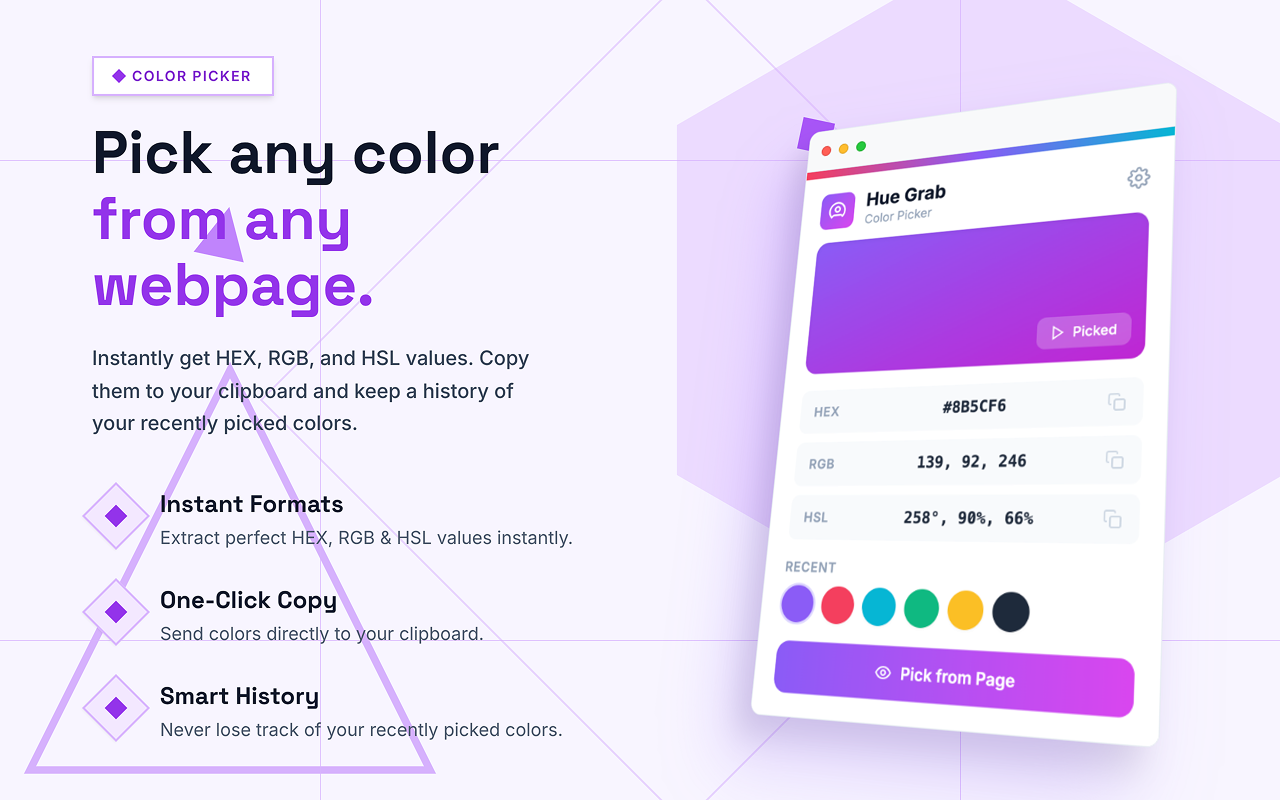
Every generation gives you up to 5 store-ready visuals — screenshots, promo tile, and a marquee banner — all from your raw screenshots.
3 Screenshots
1280 x 800
The main images shoppers see on your store listing
1 Small Promo Tile
440 x 280
Shown in search results and category pages
1 Marquee Promo
1400 x 560
The hero banner for featured extensions
AI-Generated Copy
Describe your extension once — StorePix writes the marketing headlines, feature callouts, and descriptions for every asset.
Auto Brand Matching
Colors, typography, and layouts are matched to your extension automatically. No manual design work.
Pro Layouts
Browser frames, floating devices, split views — the same styles top extensions use to convert.
Live Preview & Edit
See every change in real time. Tweak individual assets before exporting.
Done in Under 2 Minutes
Upload, configure, generate. No Figma, no Photoshop, no designer needed.
One-Click Export
Download everything as a ZIP — correctly sized PNGs ready to upload to any store.
Your current workflow
vs. what it could be
The usual process
~90 min- 1Open Figma, find a template that kinda works20 min
- 2Resize screenshots for Chrome store specs15 min
- 3Now do it again for Firefox (different sizes)15 min
- 4Find a device mockup, try to make it fit10 min
- 5Realize it looks off, start tweaking colors20 min
- 6Export each image one by one10 min
...and you still need to do it for every update
With StorePix
~2 min- Upload your screenshot
- Pick a style and customize
- Export everything — all sizes, all stores
45x faster
All sizes, all stores, every time
From Raw Screenshots to
Store Ready in 3 Steps
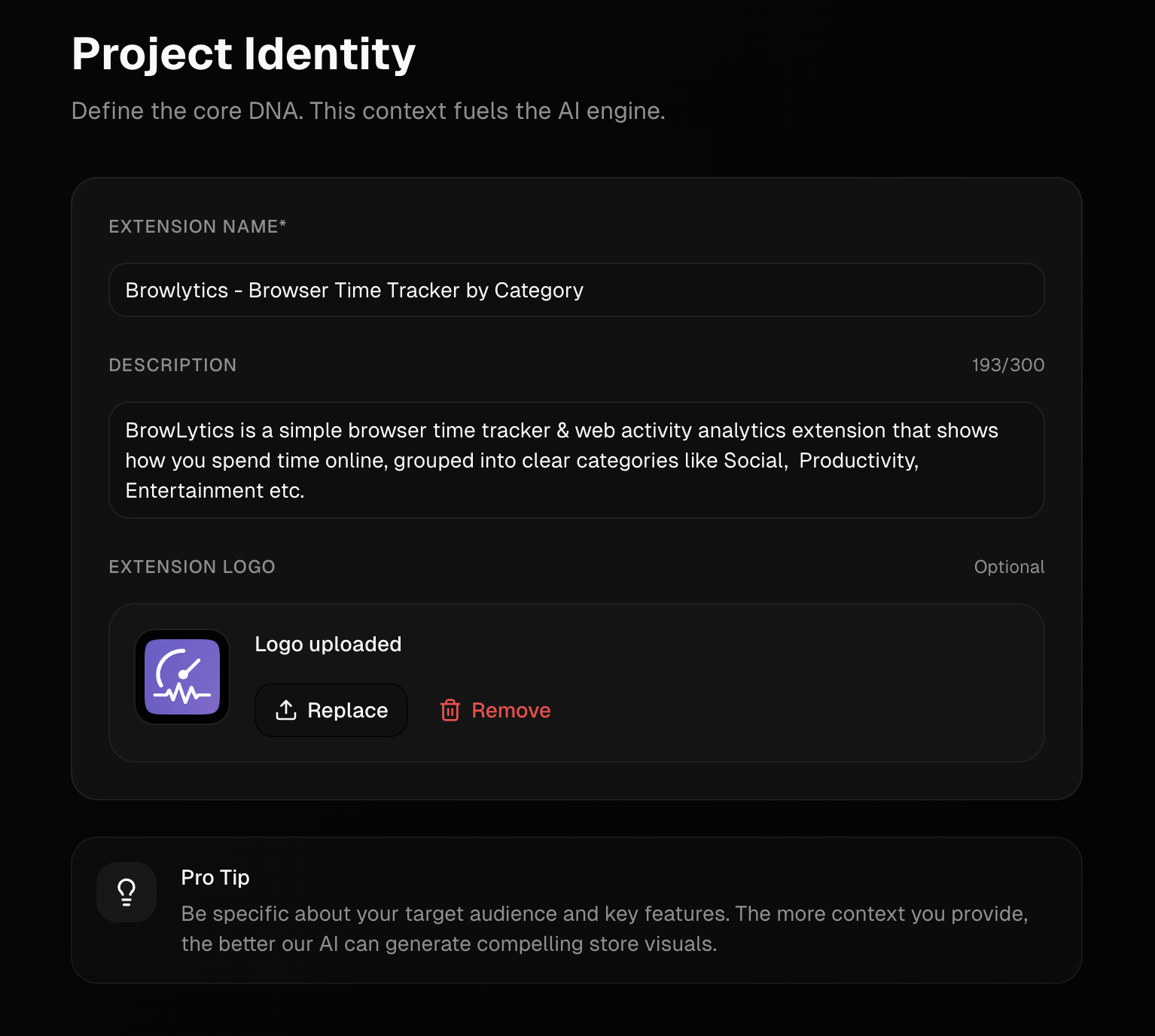
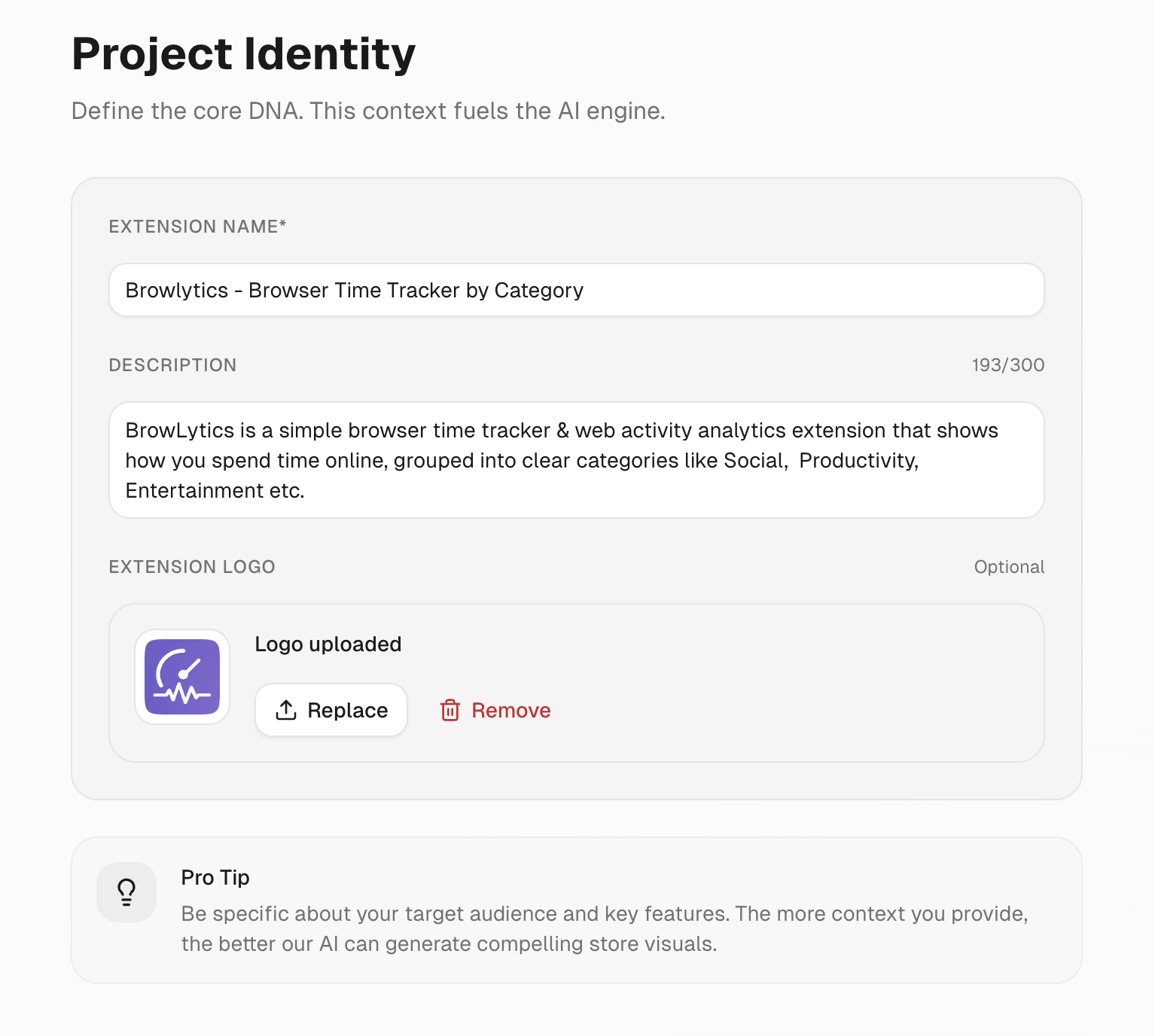
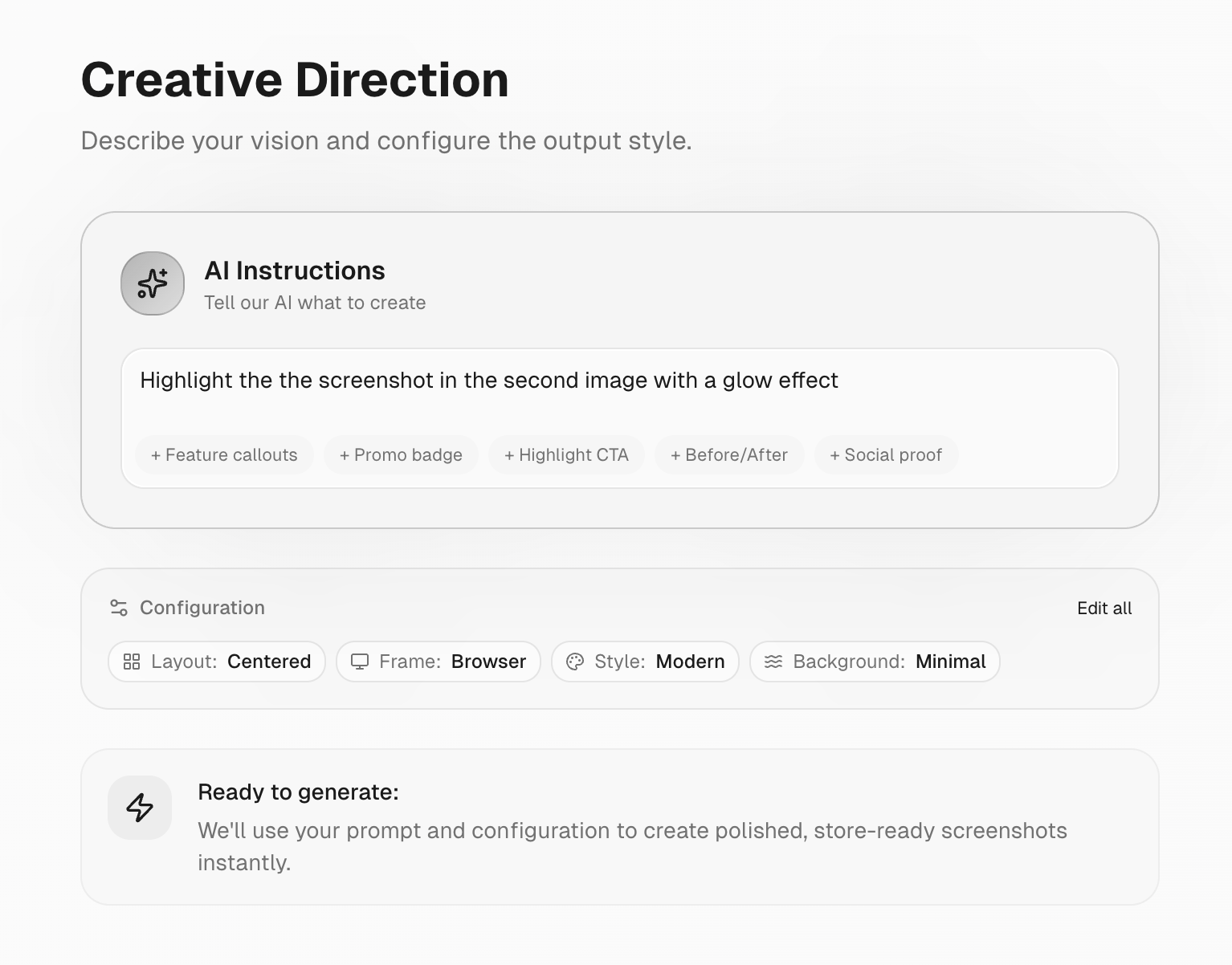
Define Identity
Set the context for your extension. Tell AI what your product does, and we'll tailor the visuals to match your brand identity perfectly.
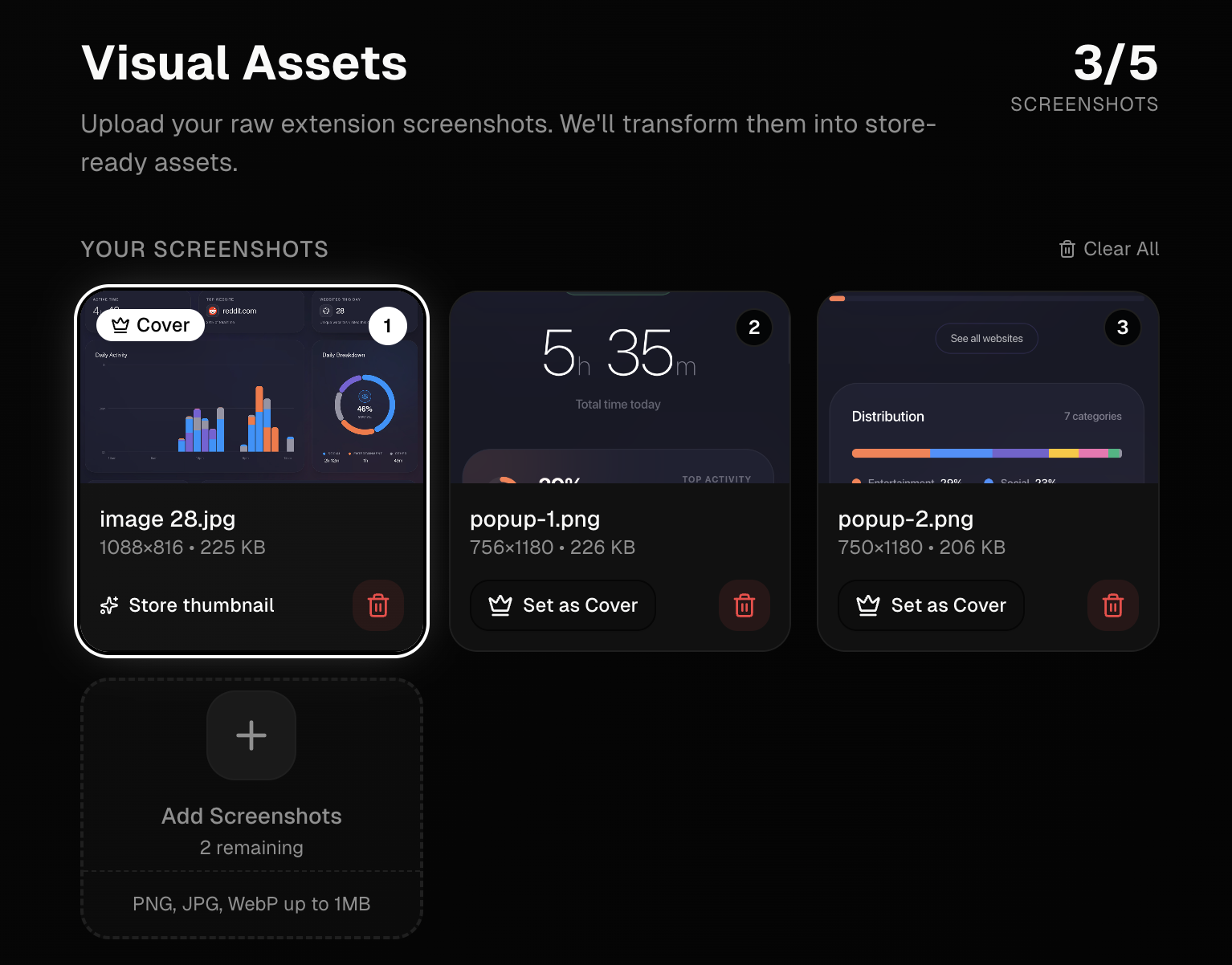
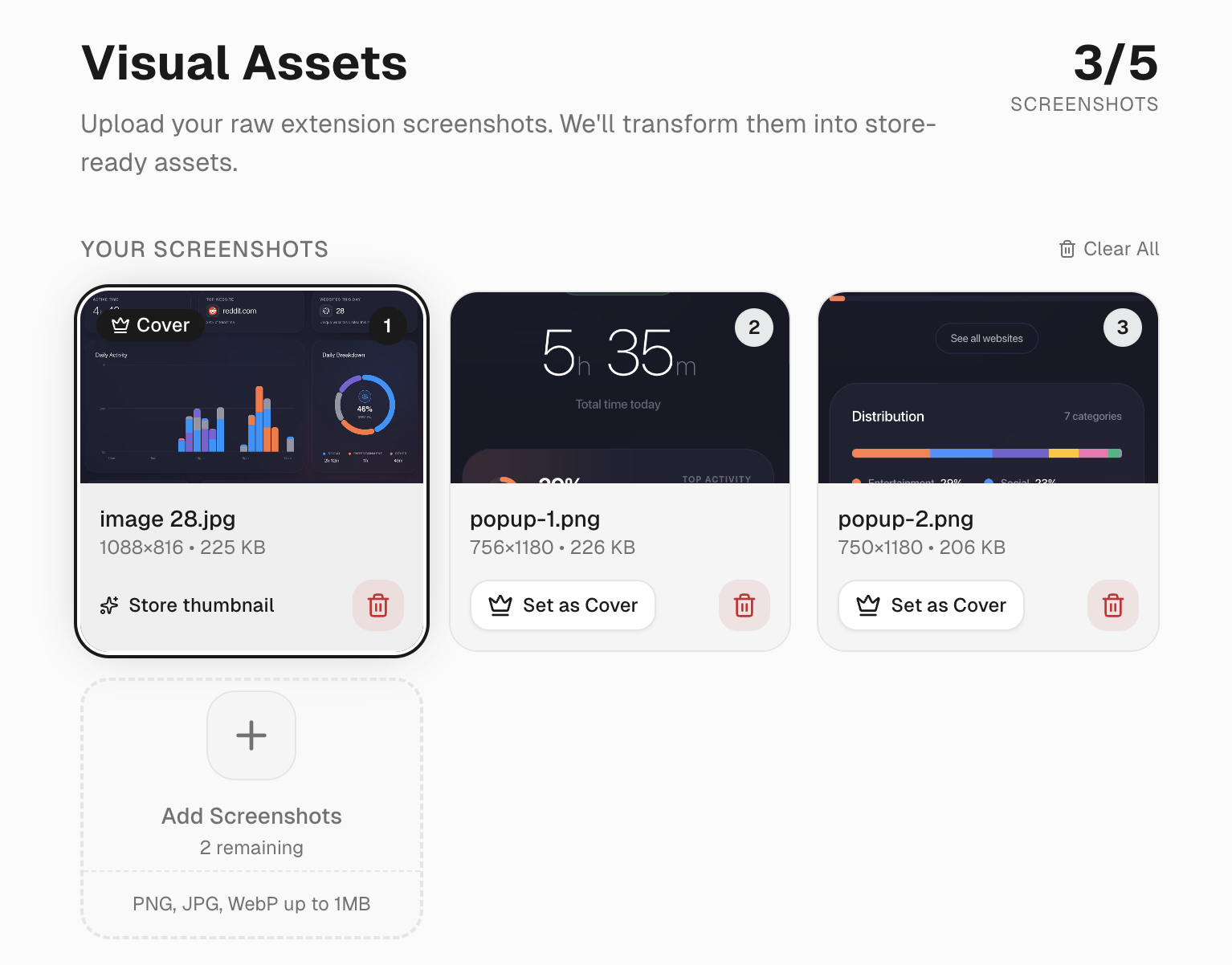
Upload Screenshots
Drag and drop your raw extension screenshots. No need to worry about sizing or aspect ratios—we handle the technical requirements automatically.
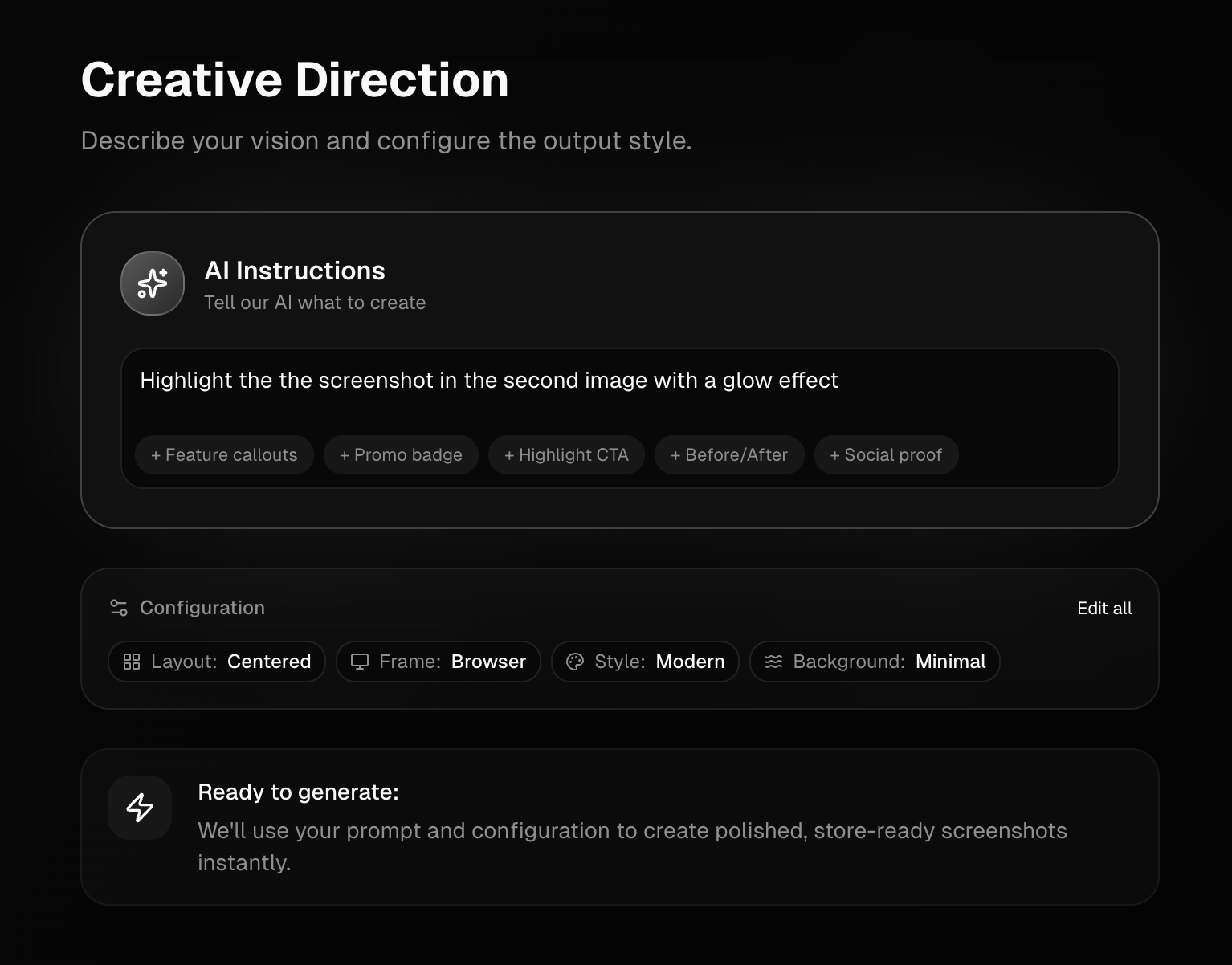
AI Magic
Describe your vision with simple prompts. "Dark mode", "Gradient background", "Minimalist". Watch as AI generates professional assets in seconds.
The Struggle is Real
While building my own extensions, I kept running into the same problem, the screenshots. I couldn't get them right. So I started researching and asking other developers on Reddit, X, and LinkedIn. Turns out, almost everyone struggles with the same thing. Here's what they told me.
"what did you use for the chrome store images?? im struggling to get the sizing right and its driving me crazy"
"is there any template that generates this? my screenshots look blurry everytime i resize them smh"
"any tips/resources on what is the best to have on the OG image? i keep getting rejected for bad formatting lol"
"do you use a template system or custom design each one?? it literally takes me longer to design the screenshots than to code the actual feature"
"my click-through rate is terrible.. i think my screenshots are too boring. how do i make them pop without hiring a designer?"
We Built StorePix for You
Solve all these problems instantly with our AI-powered studio.
Frequently Asked Questions
Everything you need to know about StorePix.
Each generation produces up to 5 assets: up to 3 store screenshots (1280×800), 1 small promo tile (440×280), and 1 marquee promo banner (1400×560). All correctly sized and ready to upload to the Chrome Web Store or Firefox Add-ons.
StorePix currently generates assets sized for the Chrome Web Store and Firefox Add-ons. The exported PNGs follow each store's exact size requirements so you can upload them directly with no resizing.
Not at all. You upload your raw screenshots, describe your extension, and optionally pick a style direction like "dark mode" or "gradient." The AI handles layout, typography, colors, and marketing copy automatically.
When you upload screenshots and describe your extension, the AI analyzes your product's visual identity — dominant colors, tone, and style — and applies a cohesive design across all your assets so everything looks intentional and on-brand.
Yes. After generation you get a live preview of every asset. You can tweak individual screenshots, adjust copy, or edit specific assets without starting over.
All assets export as high-quality PNG files at the exact pixel dimensions each store requires. You can download them individually or as a single ZIP file with one click.
Most generations complete in under 30 seconds. The entire workflow — upload, customize, generate, and export — typically takes under 2 minutes.
Yes. All generated assets from purchased packs are yours to use for any lawful commercial purpose, including publishing on the Chrome Web Store, Firefox Add-ons, or your own marketing materials.
You can edit with a different style prompt, tweak individual assets in the live preview, or try a completely new direction. Each edit counts toward your project's edit limit (2 included with the Extension Pack).
The Free plan gives you 1 project with 1 watermarked preview so you can see the quality (no downloads). The Extension Pack ($4.99, one-time) unlocks premium AI, up to 3 screenshots, marquee + small promo, 2 edits, and full-quality downloads. You can also buy extra edits for $2.90 (5 edits) if you need more tweaks.
StorePix uses Google Gemini for generating the visual layouts, marketing copy, and design compositions. Extension Pack purchases use the premium, higher-quality model.
Yes — we offer a 7-day money-back guarantee on all purchases. If you're not satisfied for any reason, contact us for a full refund, no questions asked.